The tools I use to stay in sync
These are all the tools I use to keep my thoughts, notes, lists, tasks, and bookmarks synchronised across my four primary personal devices (desktop computer, laptop computer, tablet, and smartphone) and, when needed, my two work devices (laptop computer and work smartphone).
Long, secure notes: Joplin
The primary tool I use to capture all my thinking, planning, researching, documenting, and cataloguing is Joplin (created and maintained by London-based developer Laurent Cozic).
I love Joplin because:
it’s free (though I support its development via a Patreon membership),
it’s open source (at least the desktop client is),
it’s cross-platform (yay Linux client!),
it lets you use a range of back-end cloud storage options to sync your notes (otherwise at heart it’s an offline-first note-taking app),
it lets you use Markdown to structure you text, and
it provides end-to-end encryption (E2EE) for all you notes.
Unlike a lot of other, and perhaps, more popular note-taking tools – the commercial kind that you have to pay for – Joplin isn’t trying to be the everything-tool for everyone. It does a few things, and it does those well. It is relatively uncomplicated and its apps are all lightweight.
I especially like that you can choose among a bunch of cloud storage options to store and sync your notes in the back end. I already have 1TB of space on OneDrive (through our Microsoft 365 Family subscription) so I use that to sync my notes. And since all my notes are end-to-end encrypted, I have no security or privacy concerns with using OneDrive’s cloud storage for this purpose.
(Joplin has since launched Joplin Cloud to provide its own back-end cloud note-syncing functionality. This back-end synchronisation server is the only part of Joplin that’s not open-source.)
Short, casual notes: Google Keep
I use Google Keep because it consistently has the fastest and most reliable note synchronisation. Also, its lightweight apps works brilliantly on Android, iOS, and the web.
Content in Keep is (surprisingly for Google) private, but I don’t save anything secret here because your notes can still be subpoenaed.
Kanban board: KanbanFlow
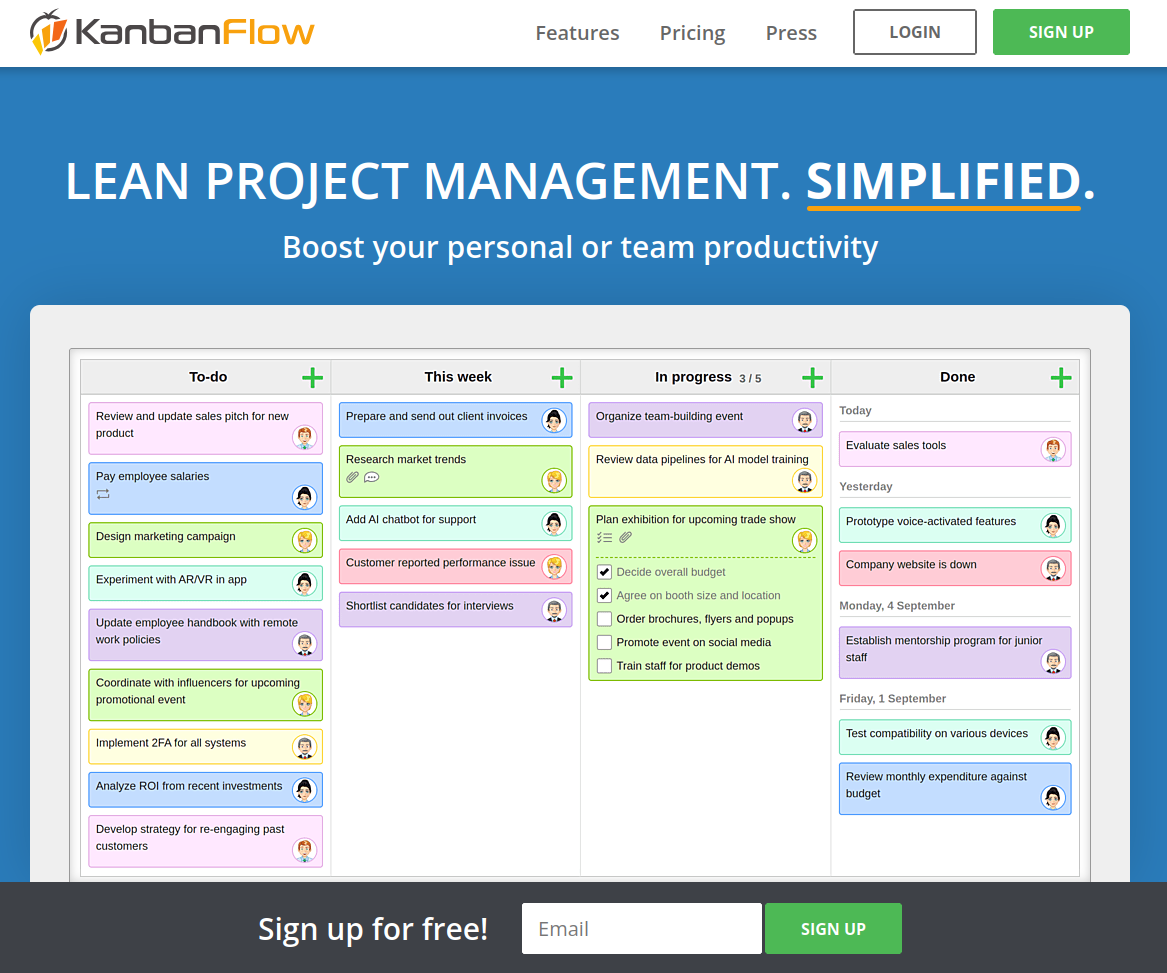
KanbanFlow is a simple, lightweight kanban board / project management tool from CodeKick out of Gothenburg, Sweden.
I don’t use this for project management though, I use it to maintain the lists of books, TV series, and movies I want to watch next. (I’ve written about this use case before, if you’re interested.)
If I did need a project management tool though, I’d switch to the paid version of KanbanFlow.
(Trello used to be my preferred kanban tool but its developers kept adding features I didn’t want or need, to the point that it was no longer a fun, easy, lightweight web or smartphone app to use. It got even more complicated to use after Atlassian purchased it and added it to their suite of team-oriented products.)