Narrowing down the list of suitable distros
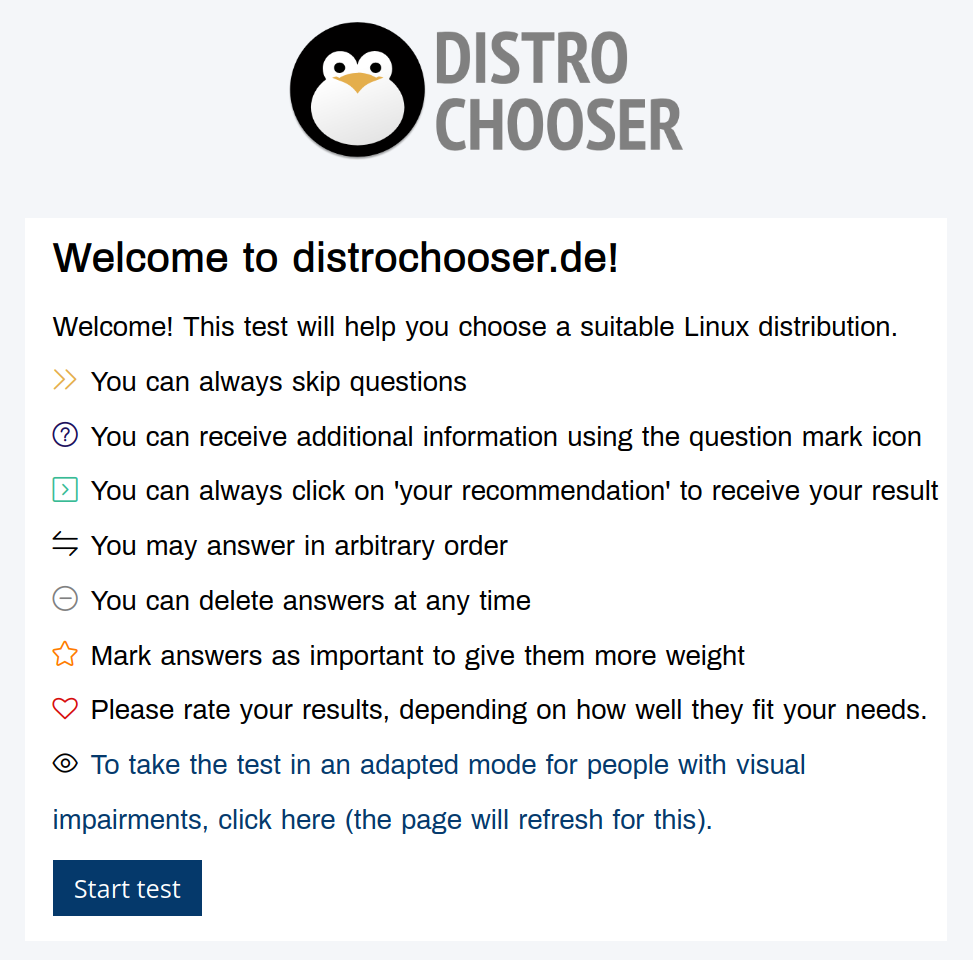
I used a combined list of those decision-factors to add and remove distros from my eventual shortlist.
My level of experience with Linux: intermediate-to-advanced. I have enough experience with Linux that I am comfortable diagnosing issues and looking/asking for help. This let me keep specialised and potentially complicated distros in my list.
Effort I want to make in building and maintaining my system: low-to-medium. Even though I can, I don’t want to do lots of tinkering and exploring with my operating system (OS). I just want my OS to disappear into the background while I do other things. Because of this, I removed most specialised and complicated distros from my list.
Package management preference, if any: ideally, APT. This let me remove all Arch-based distros from my shortlist, for example (though that was partly also in response to the effort question, above).
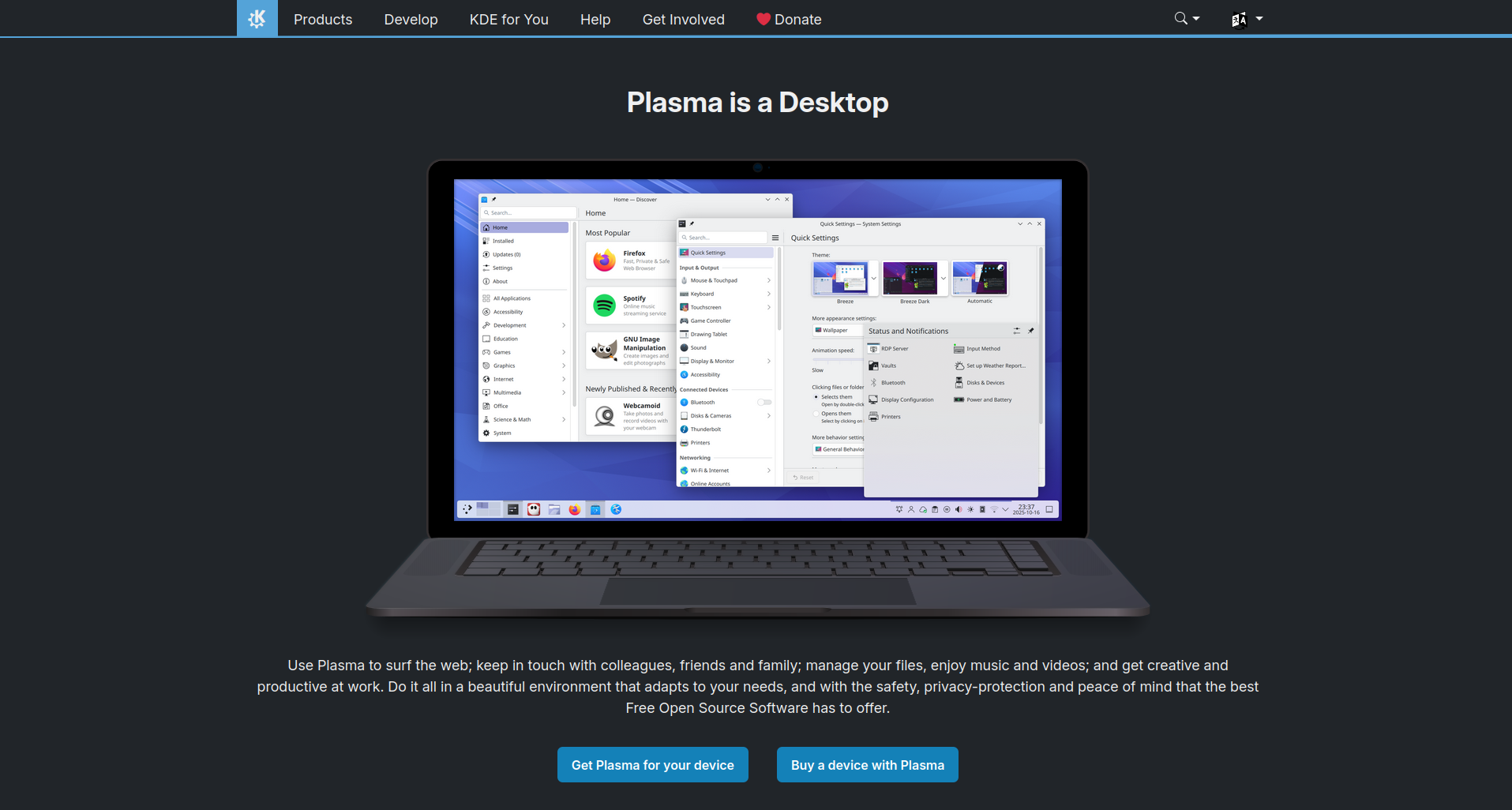
Operating system look-and-feel (eg for people new to Linux, we ask: Windows-like or Mac-like?): Windows-like, though highly customisable. Basically, I wanted to use KDE Plasma as my desktop environment. I kind of also didn’t have a choice because, unlike GNOME and Cinnamon, KDE does an actually good job with fractional scaling (eg scaling the whole screen up to 125%) and I needed this functionality for my laptop. [1]
Hardware compatibility requirements (especially if you have much older or much newer hardware): mixed. My desktop computer is only a year old, with an NVIDIA RTX4080 graphics card, so I needed a distro that could support recent hardware. This removed a bunch if distros from contention. My desktop is also attached to an ultra-widescreen monitor that supports high dynamic range (HDR) colour. I was hoping to find a distro that could take full advantage of this capability but, sadly, that was not to be and I’ve had to switch my monitor to its standard dynamic range (SDR) mode. My peripherals, on the other hand, are either older or more readily compatible with Linux so none of those were an issue. Finally, I wanted to run the same distro on my desktop and my laptop, but my laptop is an older (2021), refurbished Lenovo ThinkPad so that was never going to pose any compatibility issues.
Software compatibility requirements (only really relevant if you’re a gamer, coder, multimedia creator, or other type of specialist user; or someone with specific accessibility requirements): gamer/multimedia creator. I wanted the ability to play games through Steam (nothing very new or resource-intensive) and the ability to do multimedia editing (audio, video, photography). I didn’t need a gaming- or multimedia-focused distro to do all this though, so these requirements didn’t add or remove anything from the list.
Default software preferences: none. I’m happy to install all the software I need (ie I don’t need my distro to pre-install anything for me), so this preference didn’t add or remove anything from the list either.
Distro community size (aka your potential tech support needs, because larger and more well-known distros tend to have more users, a wider install base, and more online answers to questions you might have along the way): medium-to-large. Because my desktop hardware is relatively new, I knew I’d need a bit of support for it, so I wanted a more tried-and-true distro. This eliminated a bunch of smaller distros. Though, as luck would have it, I’d end up eliminating almost all the super-popular distros for other reasons. Oh well.
System stability (which basically boils down the the choice between a super stable OS or one that gets more frequent OS and software updates): more stable than not. I like using the latest and greatest software and hardware, but I don’t need to do so. And while I didn’t particularly want to be on an Long Term Support (LTS) release schedule, which is typically on a two-year cycle, I also didn’t want to be on a rolling release, in which new features added as soon as they’re stable enough.
FOSS ideological preferences: no strong preference. I prefer to use free and open-source (FOSS) software over proprietary software whenever I can, but I’m perfectly happy to use proprietary software as well.
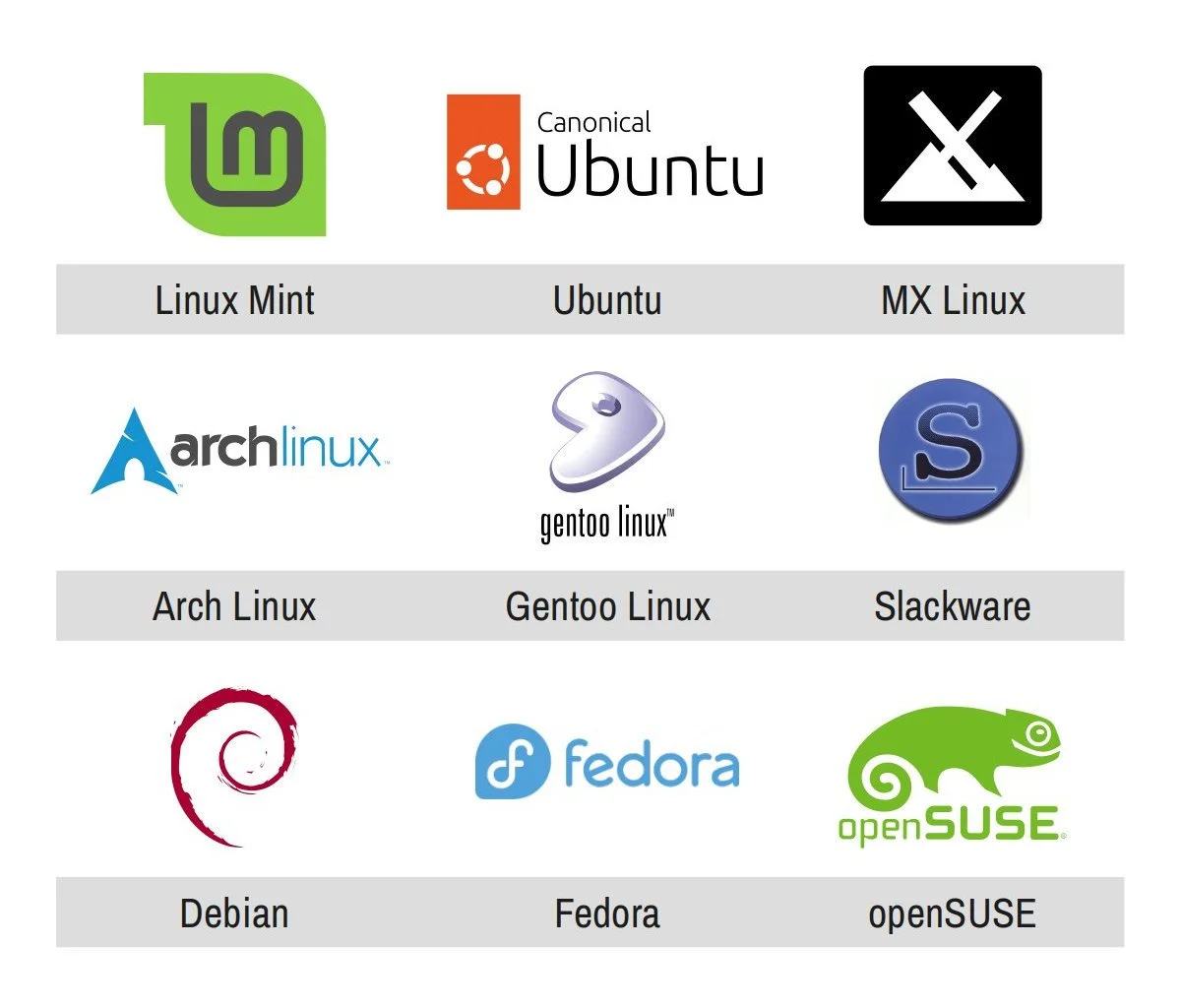
Big-tech ideological preferences: avoid big-tech as much as possible. I’m trying hard to stay away from “big tech” as much as I can – that term being relative in the Linux world. I don’t like larger companies that enshittify their products or try to throw their weight around in the community. This basically meant avoiding Canonical, and therefore all flavours of Ubuntu, and IBM-owned Red Hat, which makes only enterprise versions of Linux so none of their products were in contention anyway. (openSUSE is the only large tech company in the Linux space that I like.)
Willingness to pay: happy to. Almost all end-user Linux distros are free, but a couple charge an optional small amount to help fund their development and I’m someone who regularly provides financial support to the software and online services that I use. So when I came across a Zorin OS Pro – a very polished, very Windows-like distro that charges an optional one-time payment of AUD $78 – it jumped to the top of my list before being quickly eliminated because it uses GNOME and not KDE. Oh well.
Privacy preferences: consumer-level strict. Most Linux distros offer great privacy, but a handful connect to third-parties or collect telemetry data, meaning they have the ability to track how you’re using your computer. I absolutely do not want to use technology that tracks me, but I’m also not a privacy nut – meaning I’m not going to use Tails or Kali Linux, which I would say are “professional-level strict” with their privacy and security. This basically just meant that I eliminated all the distros created by Canonical.